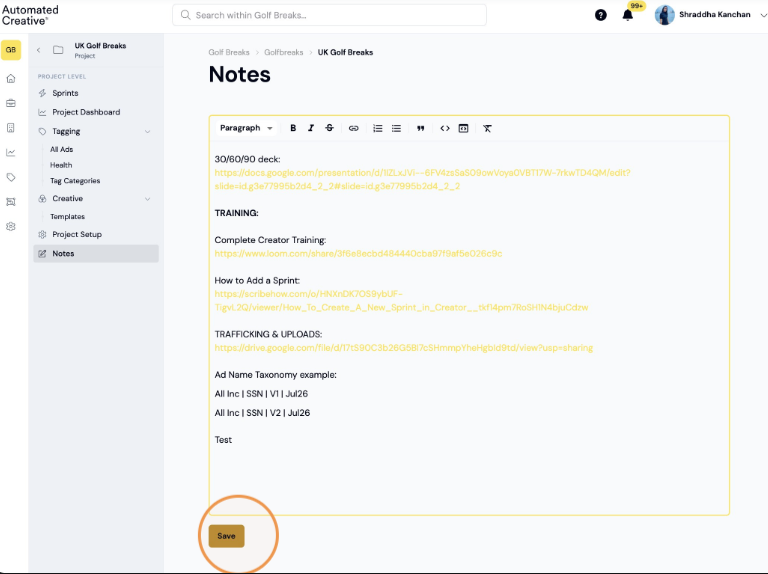
What is notes?
A space within each project for key reference information, useful links, context, or updates relevant to the work. It's a quick way to keep important details in one place alongside the creative.
1. Click on the relevant Brand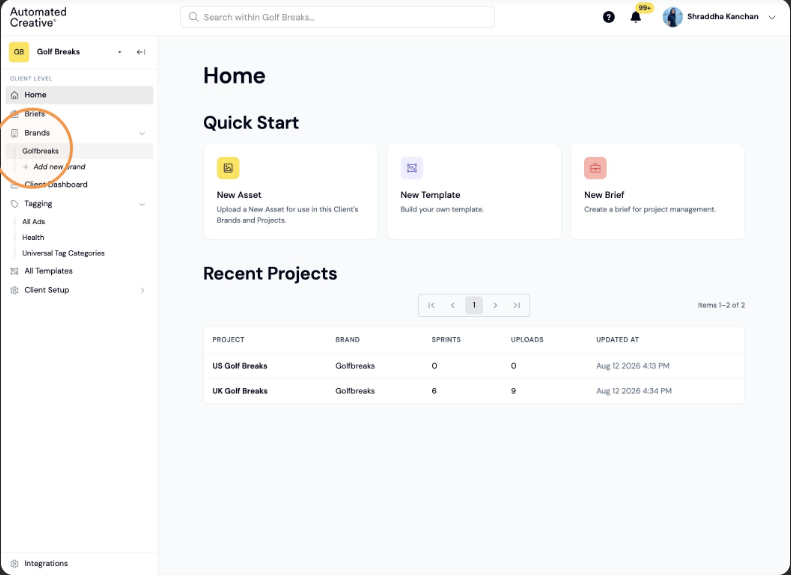
2. Click on the relevant project: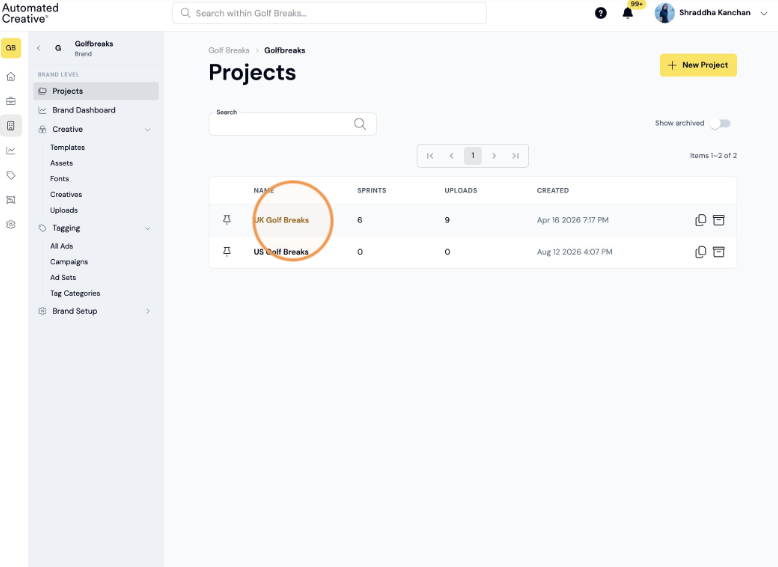
3. Click "Notes"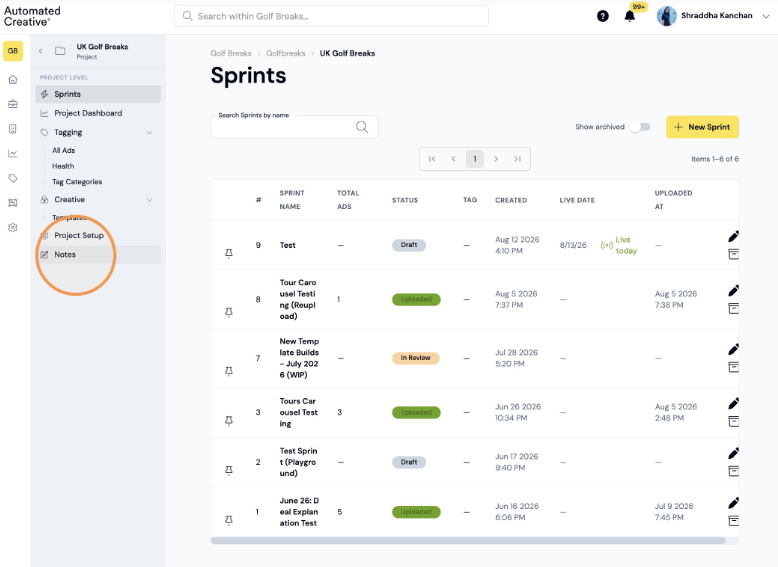
4. Add your notes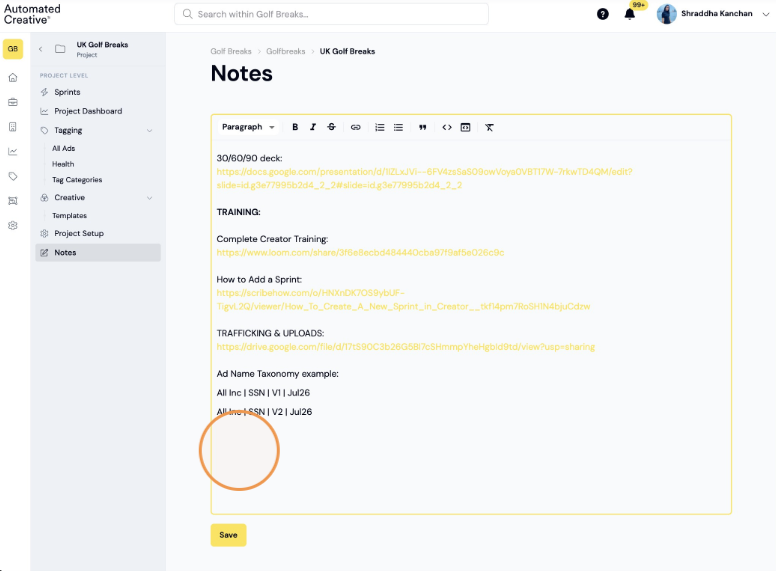
5. Click "Save"