How To Create A New Sprint in Creator
Learn the step-by-step process for setting up a new sprint within Creator. A Sprint in Creator is the workspace where a batch of ads for a campaign gets built, reviewed, and uploaded, essentially a project container holding one or more "matrices" (grids of ad-row variations), not a single ad. This guide covers navigation and configuration options to launch your campaign effectively.
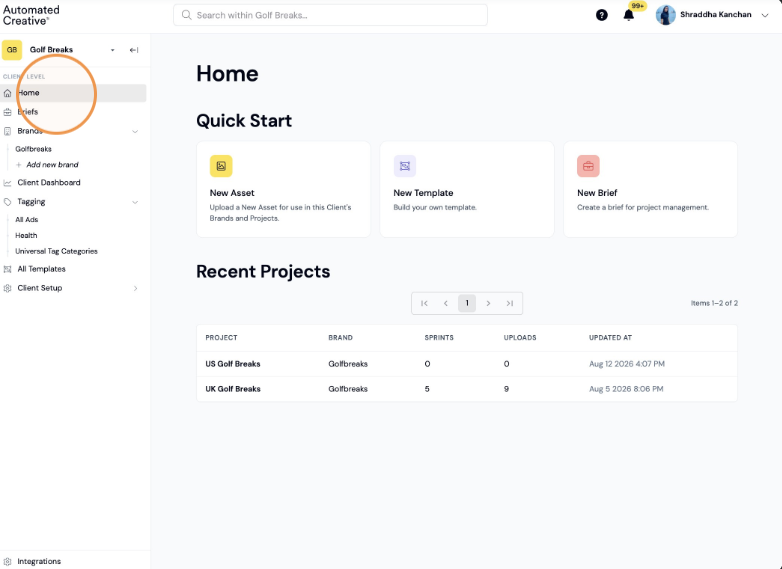
1. Click "Home"
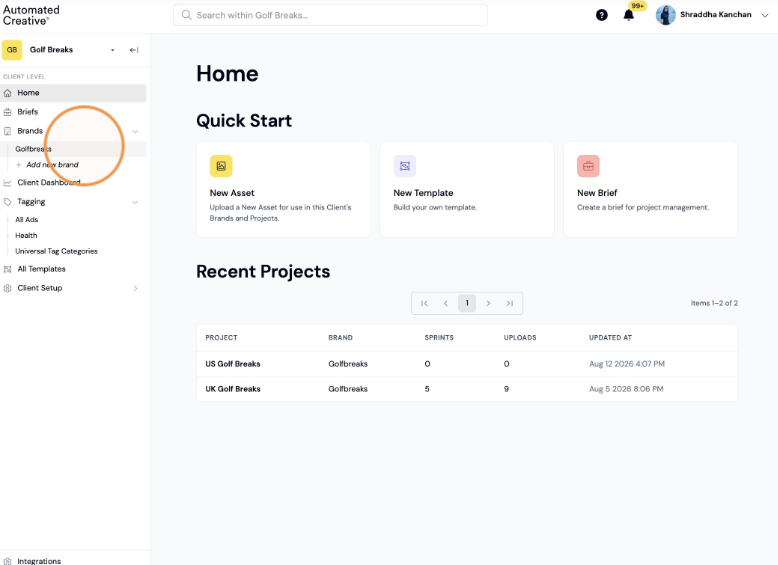
2. Click on the Brand Name
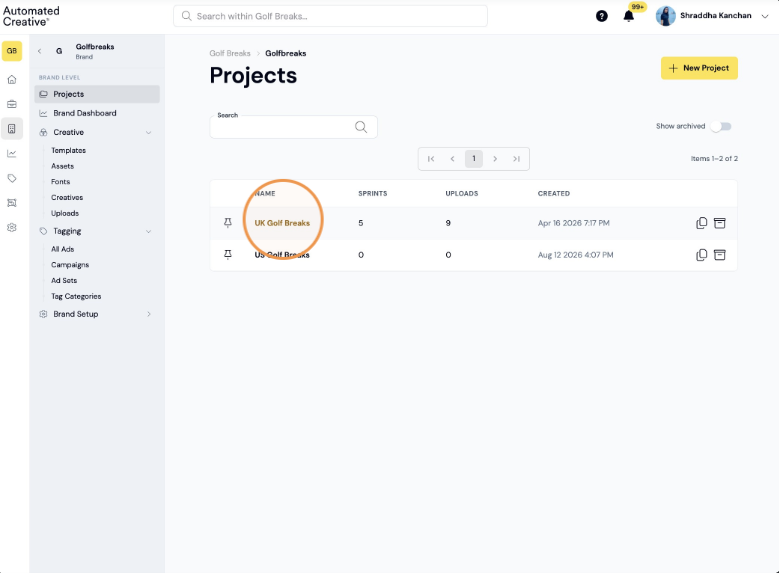
3. Click on the project you want to add the Sprint in
Sprint Setup
4. Click "New Sprint"
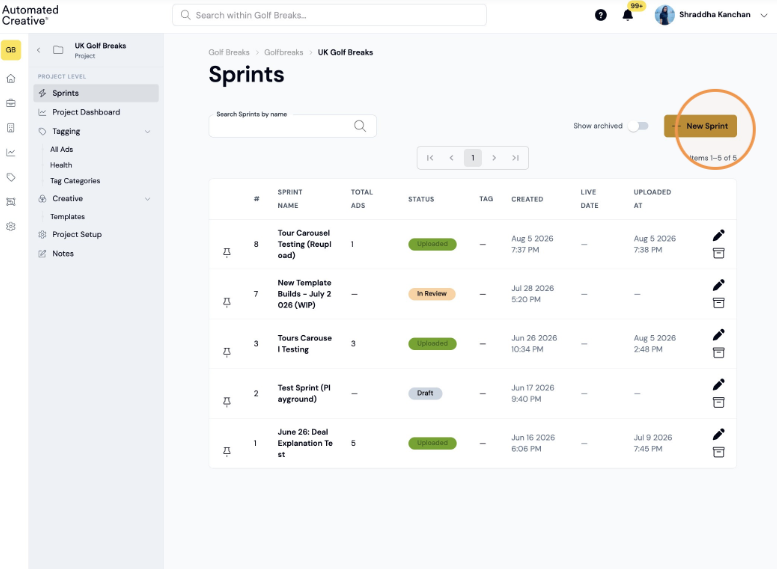
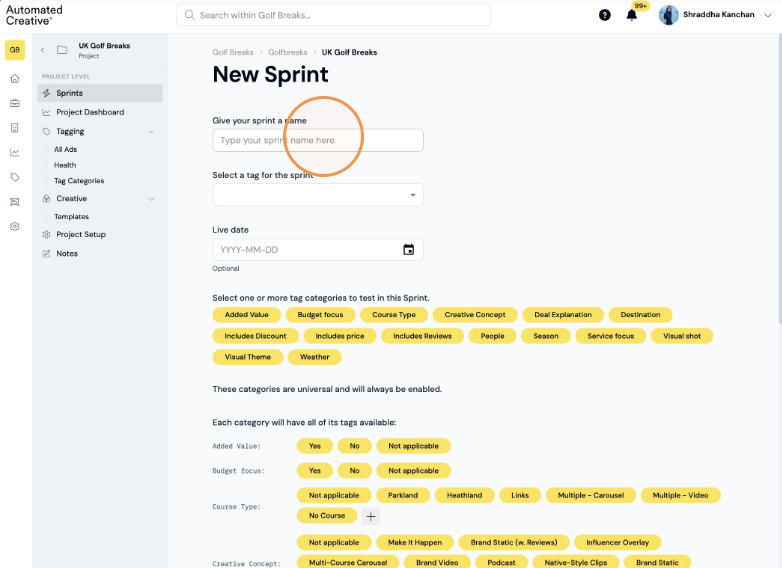
5. Give your sprint a name
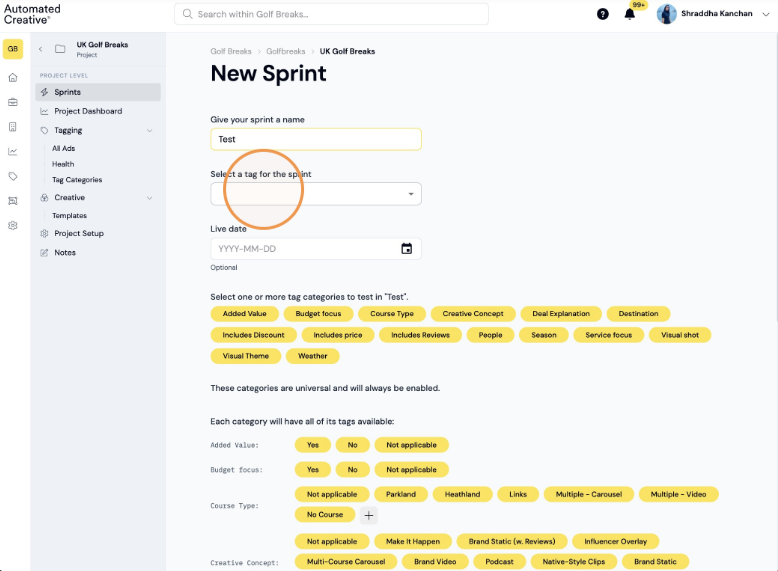
6. (Optional) Select the sprint tag dropdown
Sprint Configuration
7. Add the Sprint Live date
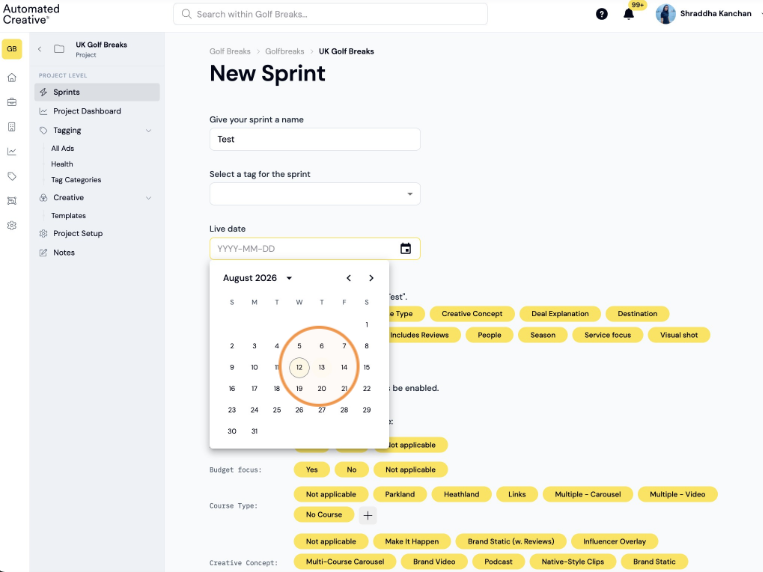
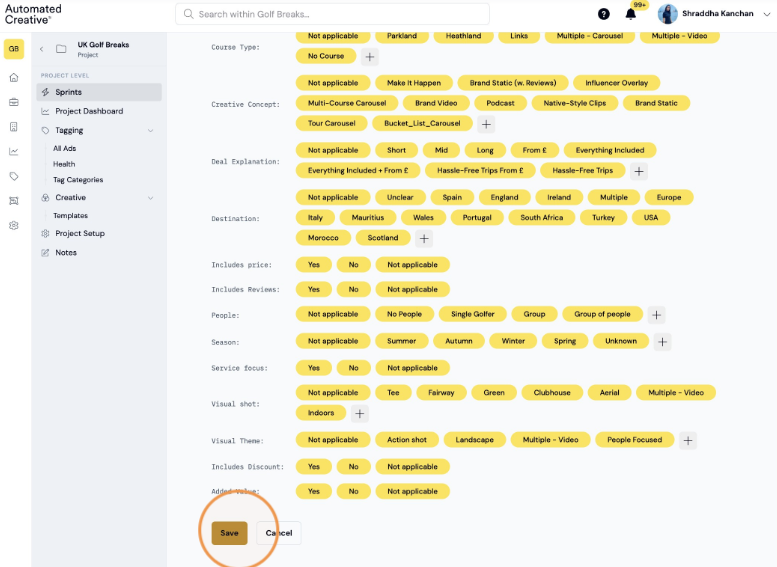
8. Select the tags you want to track through the Sprint
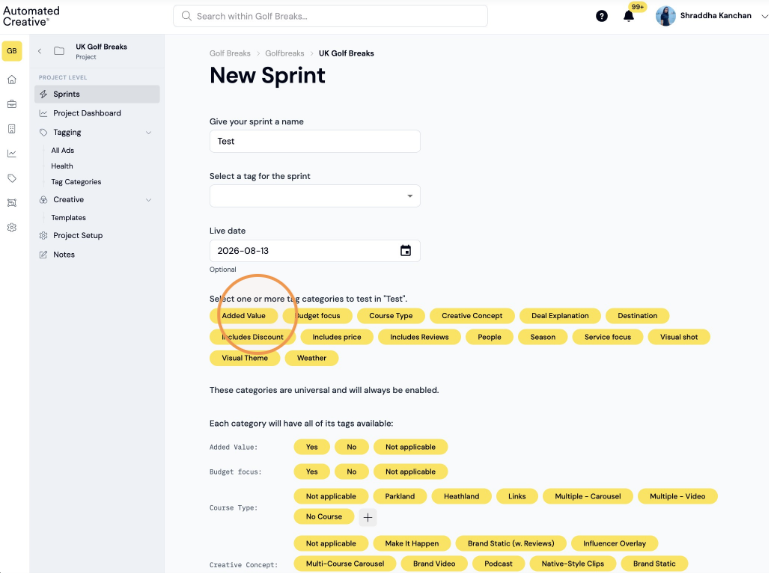
9. Scroll down and click "Save"